
Driving Question
(Teacher Guided, Student Constructed)
How can we use digital media to tell, share, and preserve the stories of our community?
Public Products
Students will design and publish digital stories about Utah through a website, narrated video, or interactive presentation.
Connections
Foundations
Milestones
Milestone 1 (Days 1–2): Entry Event
Situation
The Utah Governor’s Office of Economic Development (GOED) wants your help in promoting your community and encouraging businesses and individuals to relocate there. They believe one way to get people interested in certain areas is to tell stories about events that happened there. You have been tasked with telling those stories.
Key Student Questions
- What is historic preservation?
- Why is it important to preserve history?
- How can I find a place’s geolocation?
Formative Assessments
- Historic Preservation Definition
- Location Facts List
- Utah Location Coordinates
- Project Planning Worksheet
Materials
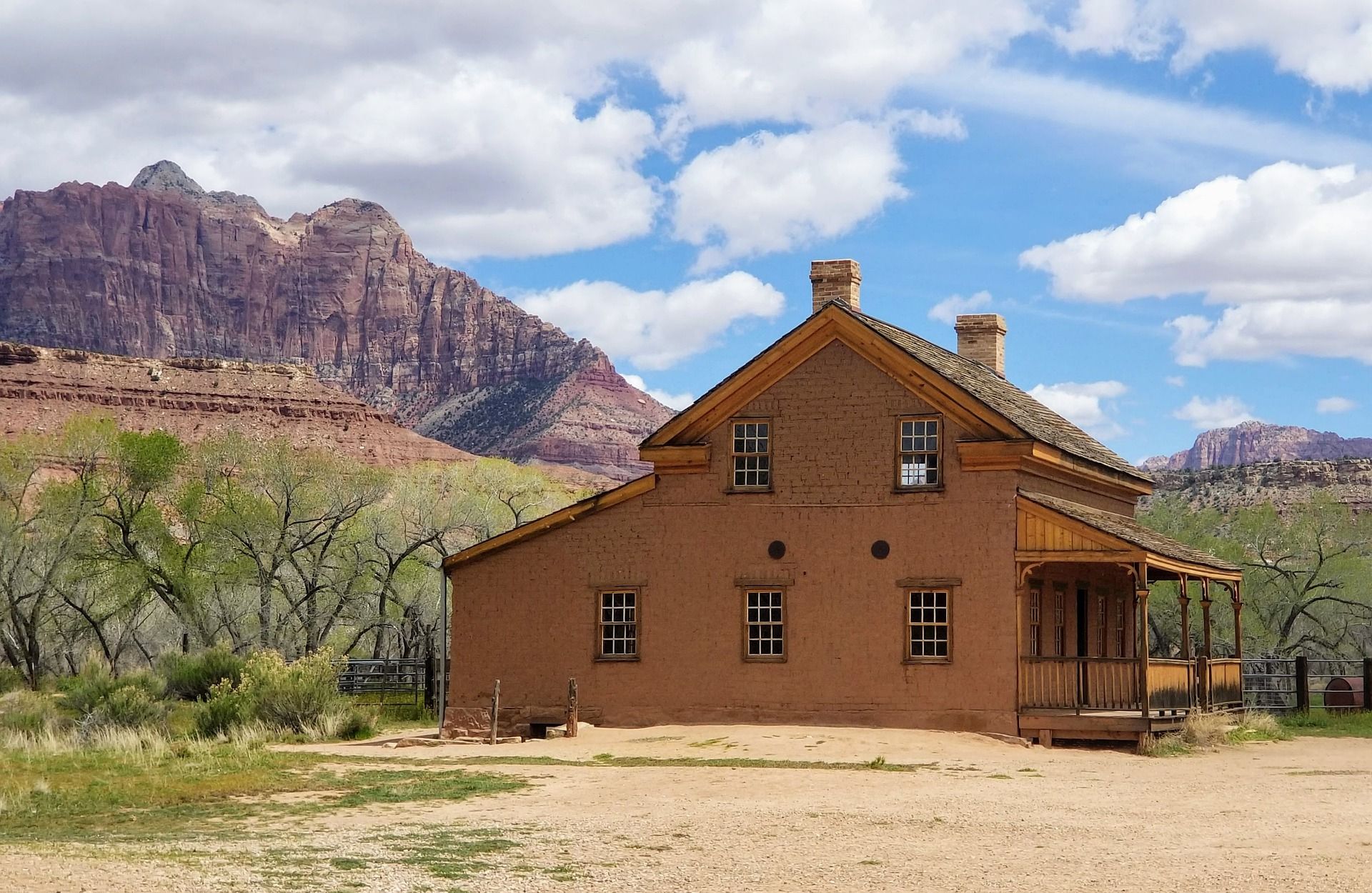
- Graveyard Flat articles and videos:
- Grafton articles and videos:
- historic preservation articles:
- Google Maps
- Project Planning Worksheet, 1 per group
Day 1 Instructional Procedures
- Explore a Utah historical town by showing the Graveyard Flat articles and videos and/or the Grafton articles and videos (or choose a different town to focus on for this learning plan).
- Explain that the Utah Governor’s Office of Economic Development (GOED) wants the class to promote your community and encourage businesses and individuals to relocate there by telling stories about events that happened in the area.
- Guide students to construct a question similar to, “How can we use digital media to tell, share, and preserve the stories of our community?”
Day 2 Instructional Procedures
- As a class, read the two short historic preservation articles.
- Hold a class discussion using the following questions:
- What is historic preservation, and how does it apply to Forest City and/or Grafton, Utah?
- How can we find interesting stories about people or places in Utah?
- How can we find the geolocation (coordinates) of a place on the map?
- Demonstrate how to find latitude and longitude in Google Maps:
- Open Google Maps.
- Enter an address or click on the map to place a pin.
- Right-click the pin and choose “What’s here?”
- Read the coordinates in the info box.
- Assign students to small groups.
- Distribute the Project Planning Worksheet. As groups complete it, have them:
- Discuss ways to research a story (online research, school library, asking parents/community members, visiting a local site or museum, etc.).
- Research and select a story to tell.
- Determine important facts about the story or location.
- Find and record the coordinates for the Utah location where the story took place.
- Determine the best digital format for the presentation:
- Website
- Video with audio narration
- Interactive presentation
Comments (0)